See any outfit on yourself before you buy.

Hover over clothing on any retailer, generate a realistic preview on your own photo, and decide before you buy.
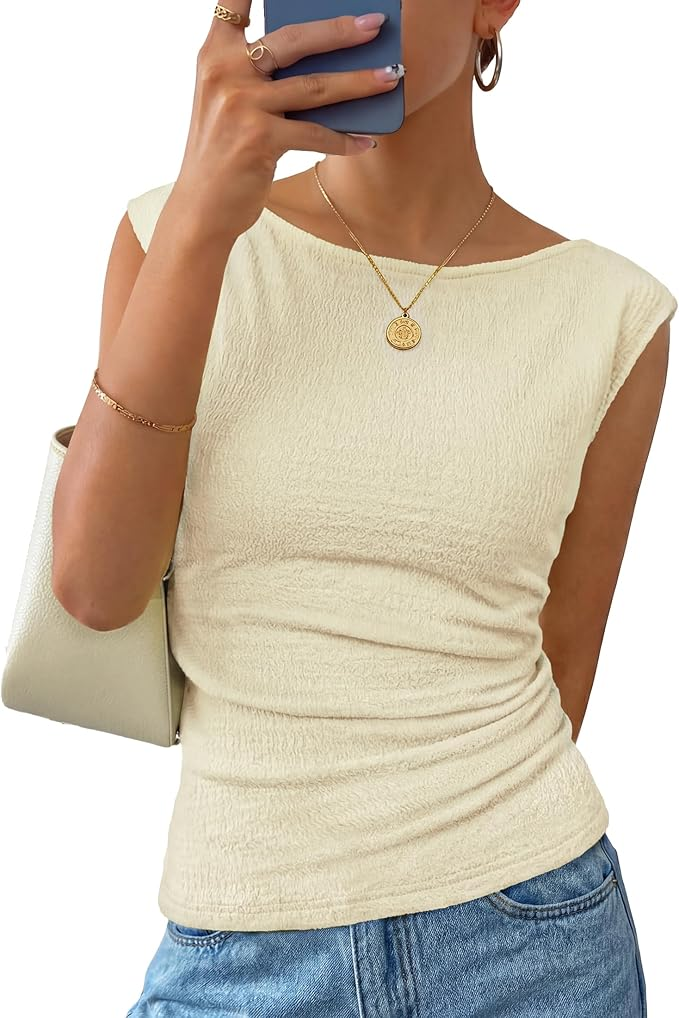
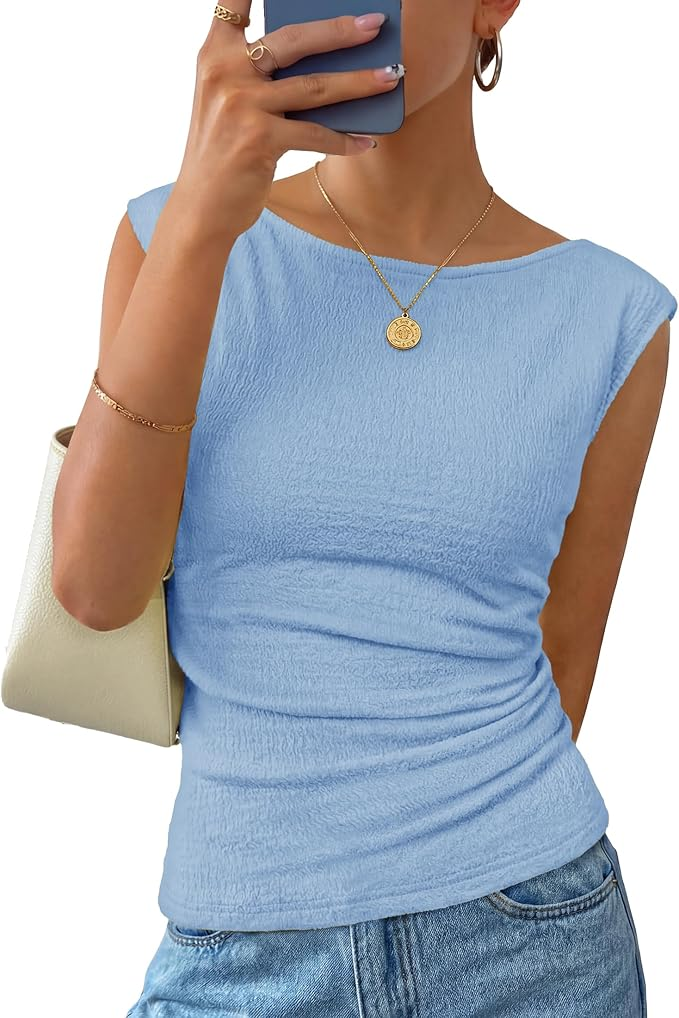
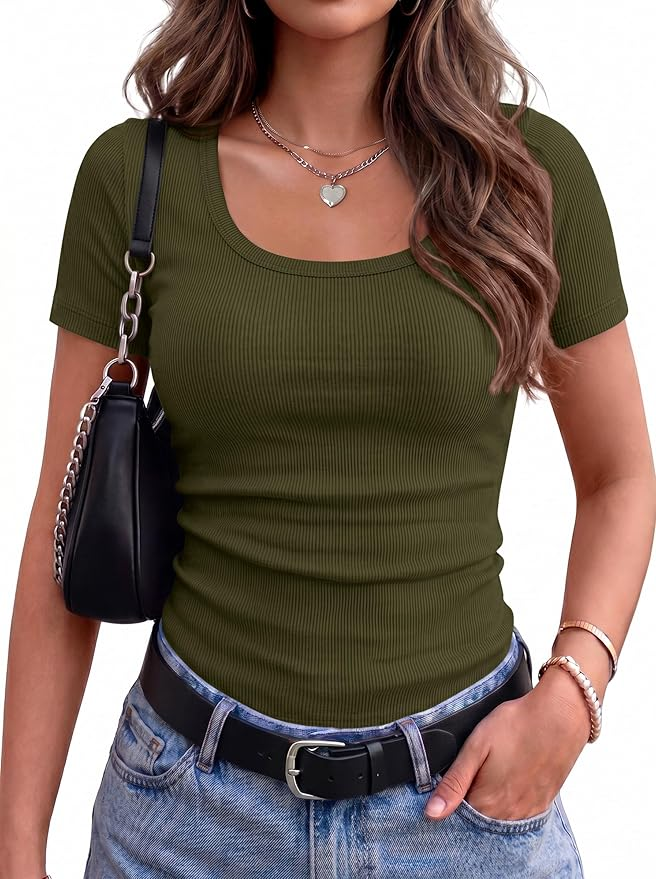
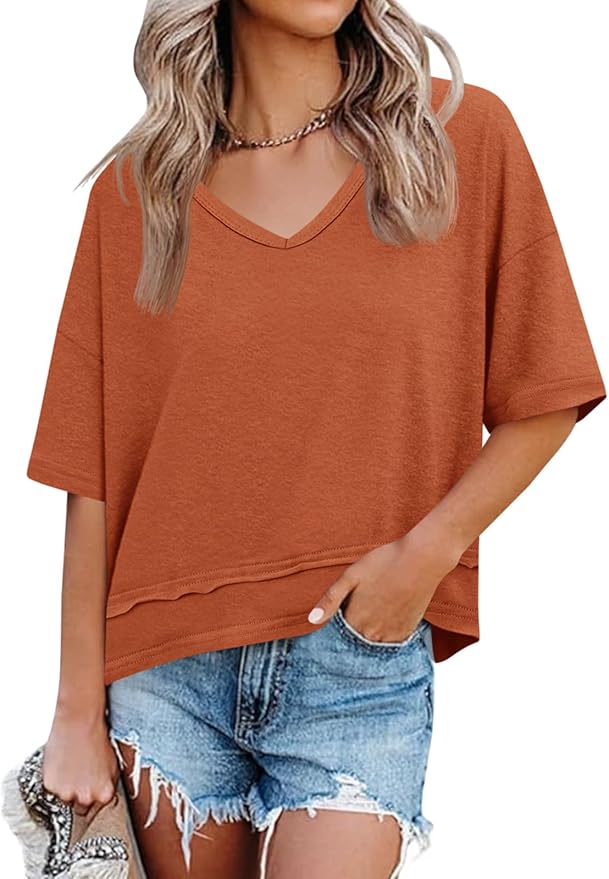
Yellow clothing item selected for try-on Blue clothing item selected for try-on Green clothing item selected for try-on Orange clothing item selected for try-on item
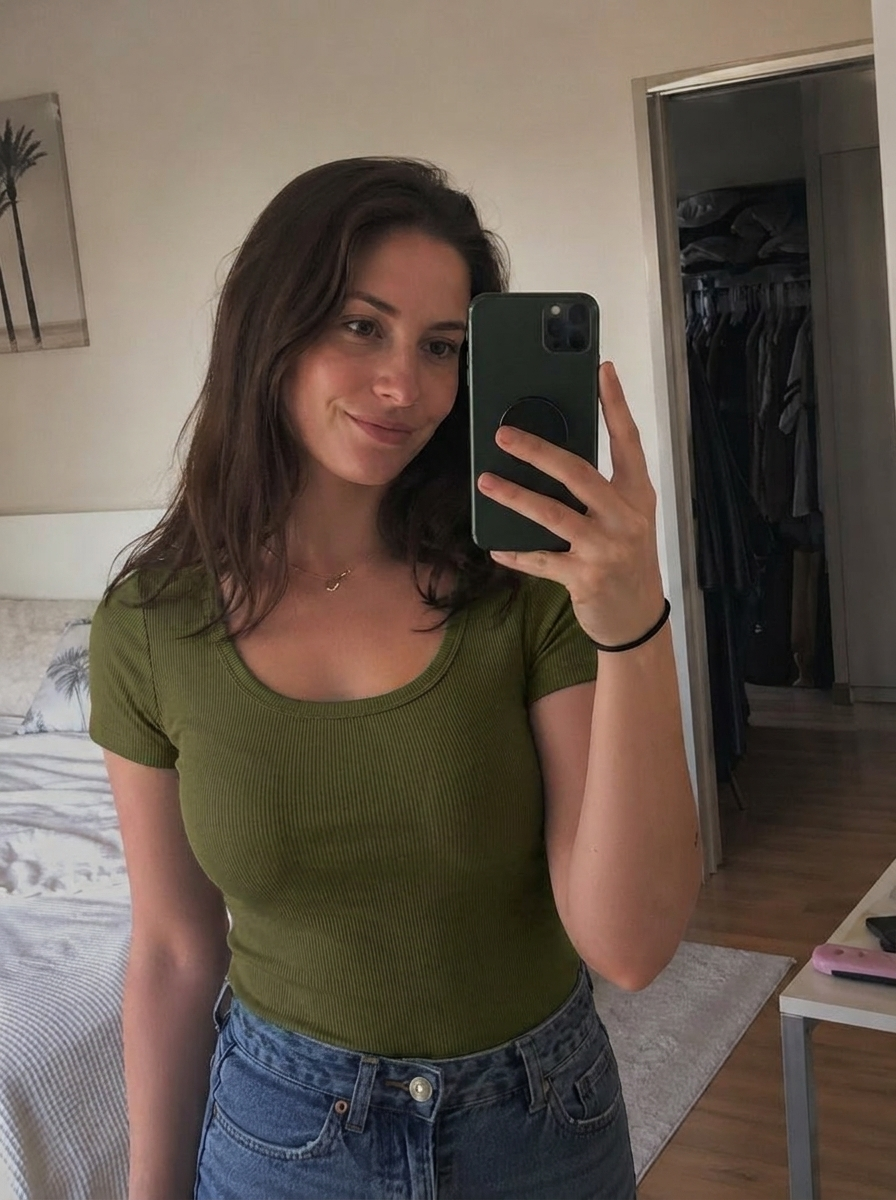
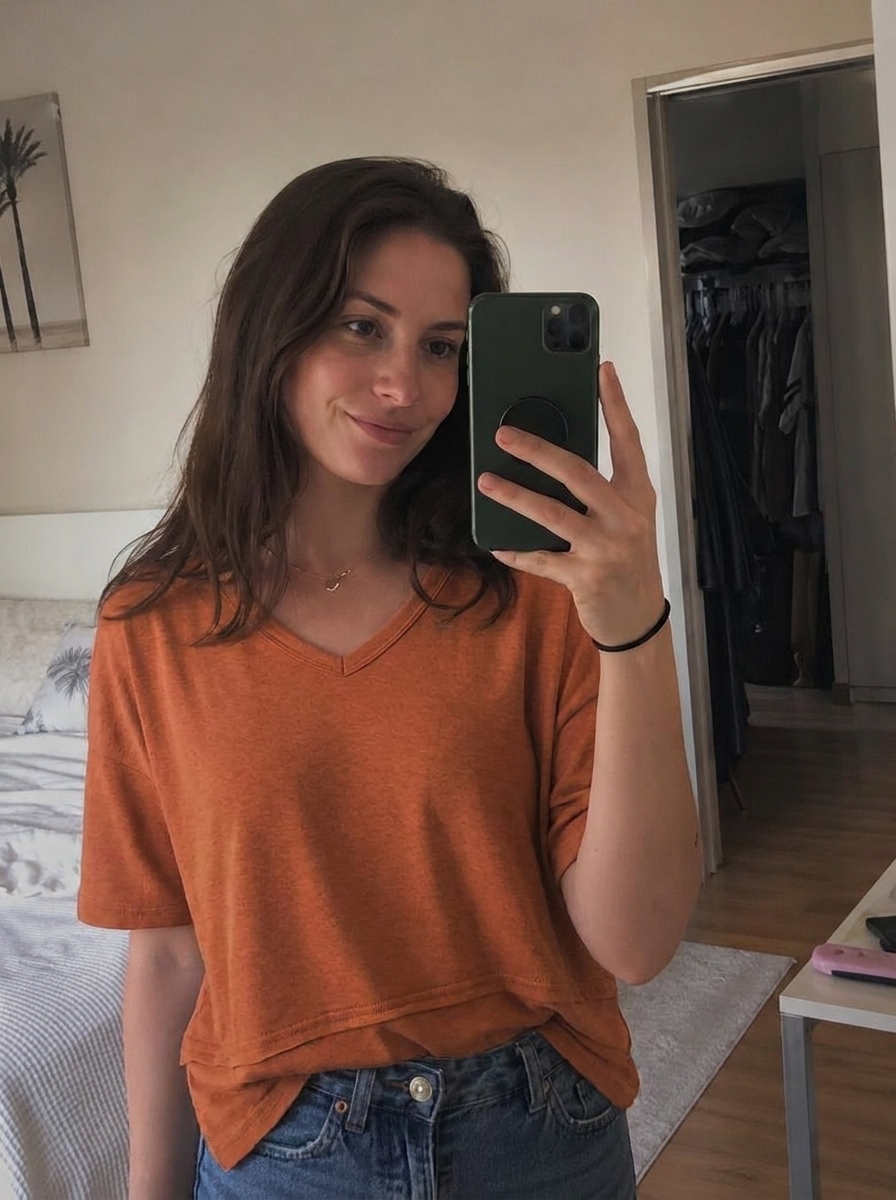
FitCheck try-on result for the yellow clothing item FitCheck try-on result for the blue clothing item FitCheck try-on result for the green clothing item FitCheck try-on result for the orange clothing item try-on

Works on

Abercrombie & Fitch Aerie Alo Yoga Amazon American Eagle Anthropologie Aritzia ASOS Athleta Boohoo Dillard's Forever 21 Free People Gap Gymshark H&M Hollister J.Crew JCPenney Kohl's Lululemon Lulus Macy's Mango Nike Nordstrom Old Navy PrettyLittleThing Princess Polly Revolve Target Uniqlo Walmart Zara

and beyond

Try it on, without trying it on.

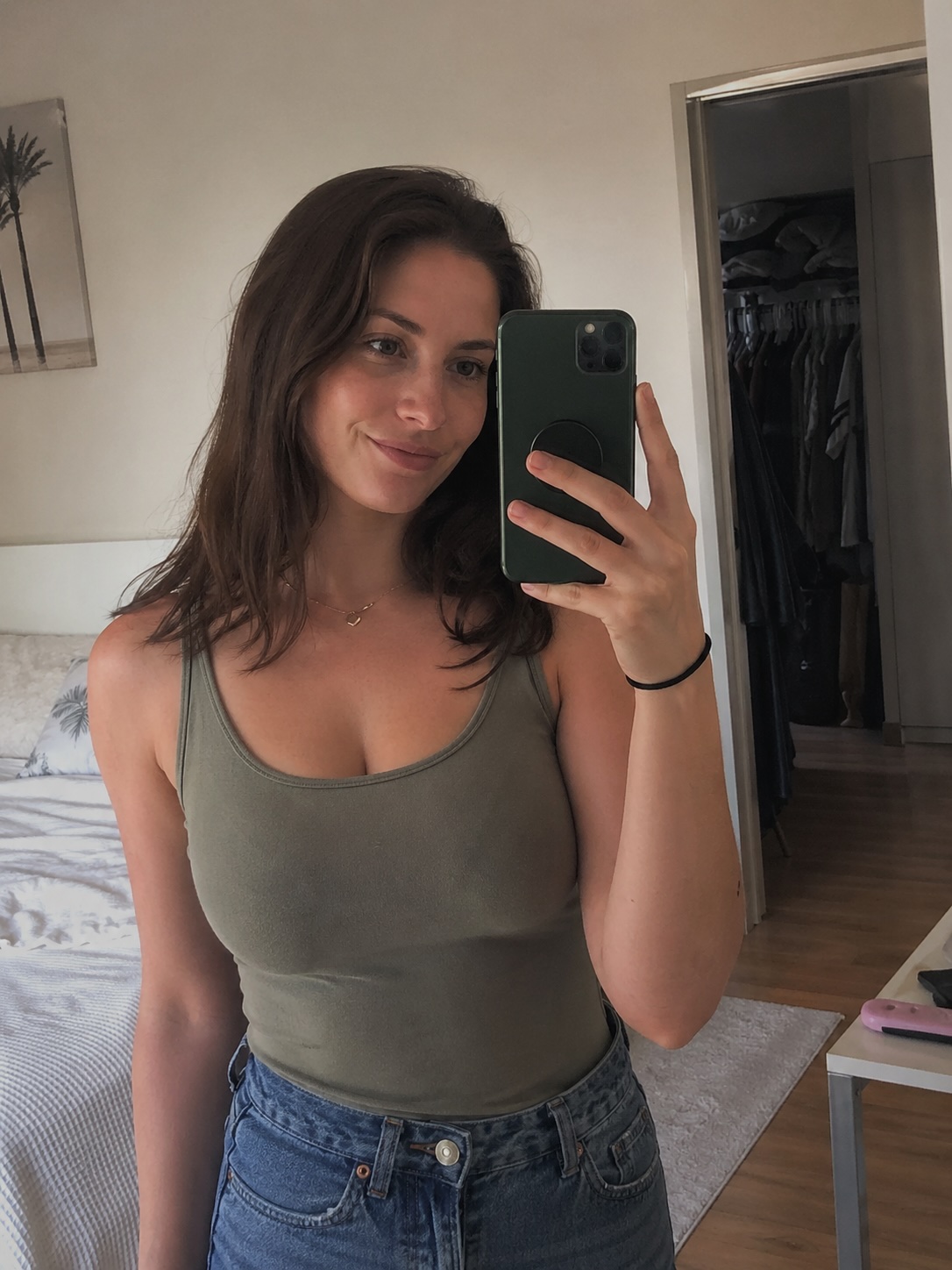
Original selfie for FitCheck try-on original image
Yellow clothing item selected for try-on Blue clothing item selected for try-on Green clothing item selected for try-on Orange clothing item selected for try-on selected item
FitCheck try-on result for the yellow clothing item FitCheck try-on result for the blue clothing item FitCheck try-on result for the green clothing item FitCheck try-on result for the orange clothing item try-on result

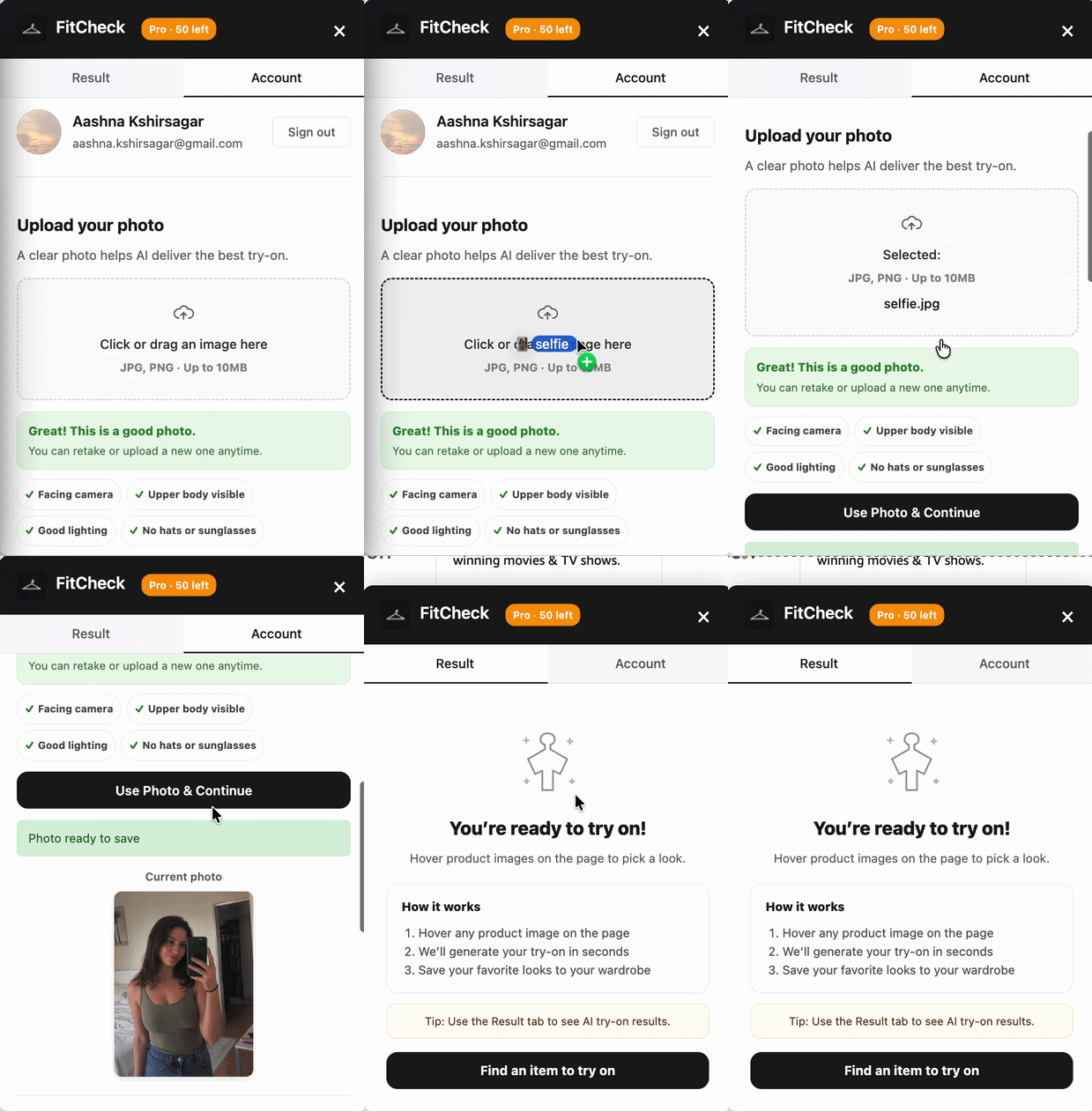
Upload. Select. Generate.

FitCheck stays inside the shopping page, so the workflow feels like part of the store instead of another app to manage.

Uploading a photo in FitCheck
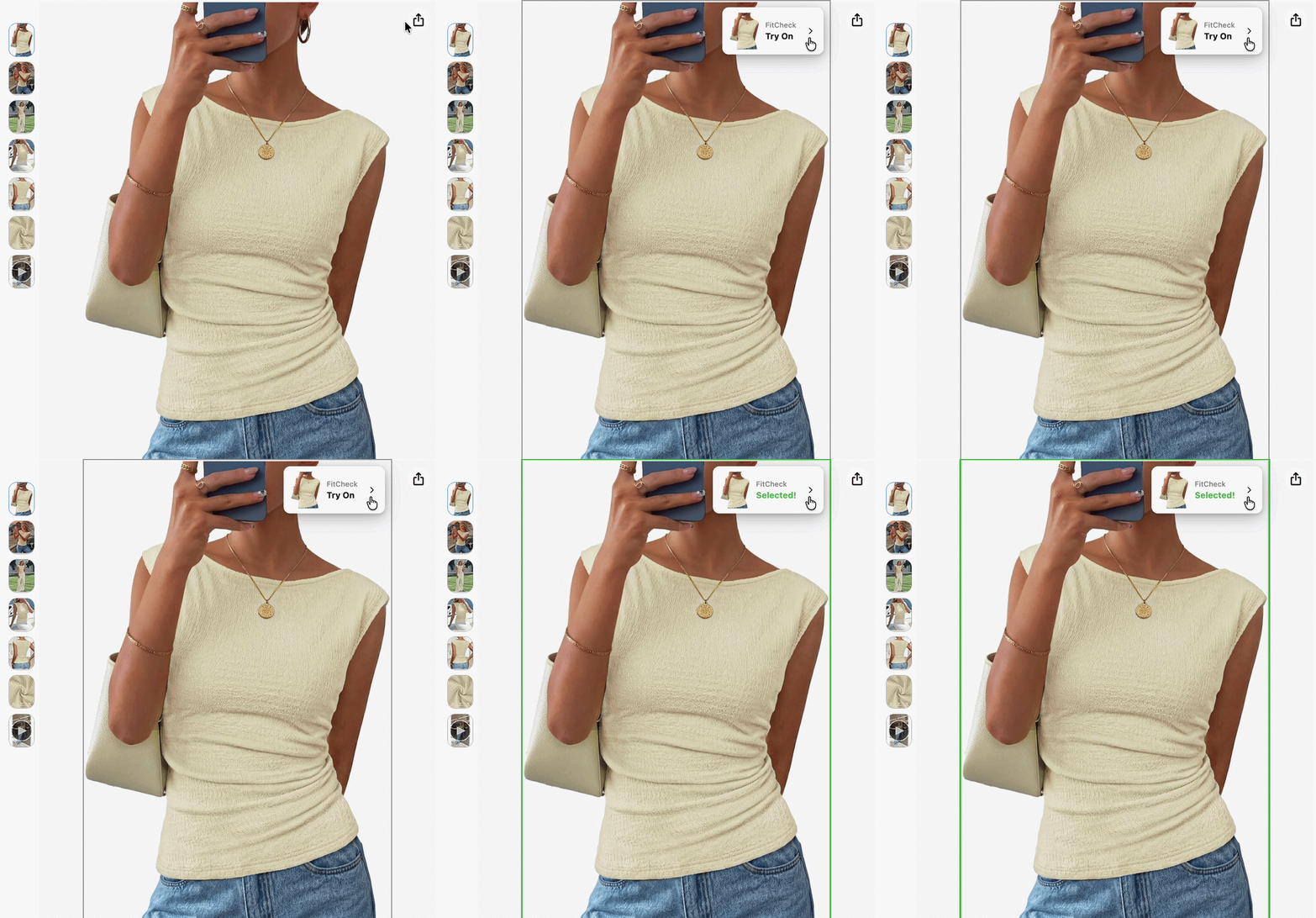
Selecting a clothing item with FitCheck
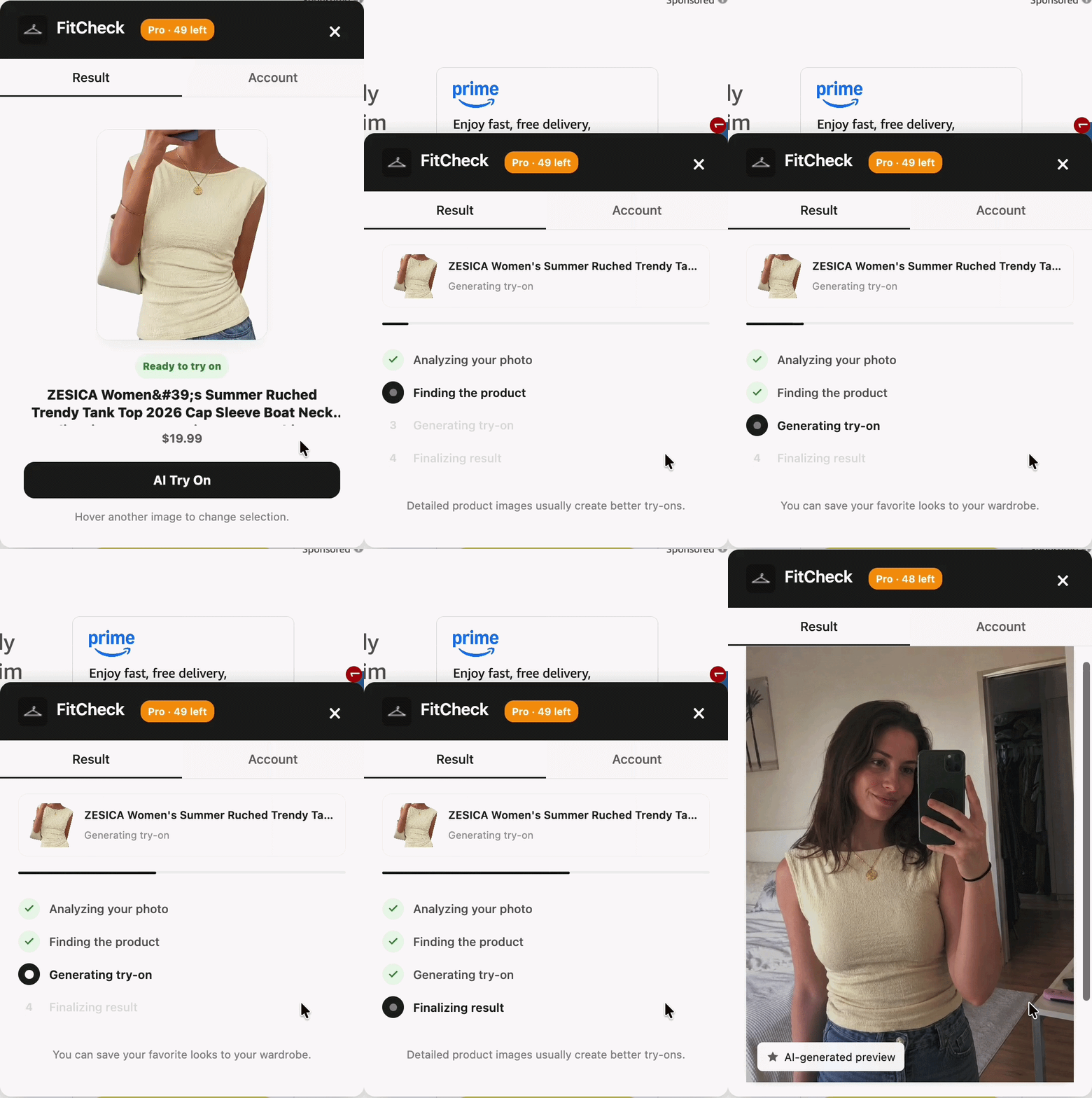
Generating a FitCheck try-on preview

Save every try-on worth coming back to.

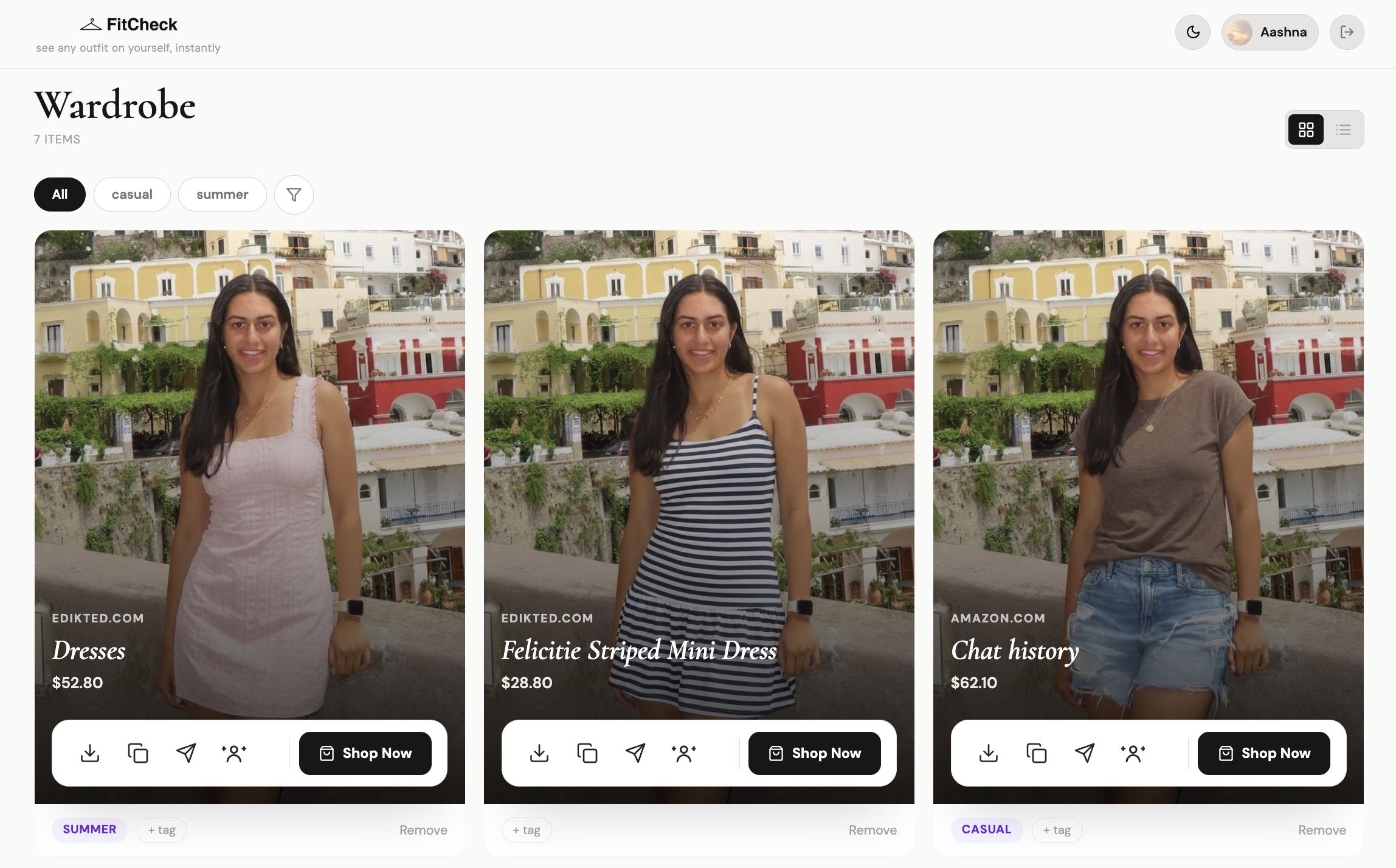
Your generated looks live in a visual wardrobe with the item details, retailer link, tags, and quick actions you need after the first try-on.

1

Keep the result, not just the screenshot

Save AI try-ons from any retailer with the product title, price, store, and original shopping link attached.

2

Organize outfits with tags

Mark looks as date night, work, basics, vacation, or anything else so your best options are easy to find later.

3

Act on a saved look

Download it, copy it, share it, set it as your avatar, or jump back to the product page when you are ready to buy.

FitCheck wardrobe showing saved AI try-on cards with tags and quick actions

Start free. Add credits when you need more.

Each AI try-on uses one credit. Paid plans include monthly credits, with extra credit packs available when you need more looks.

Free
$0
forever
  • 5 try-ons included
  • Works on all retailers

  • Full AI quality
  • No credit card needed
Get started free
Starter
$4.99
per month
  • 25 try-on credits monthly
  • Works on all retailers

  • Full AI quality
  • Cancel anytime
Choose Starter

Common questions

Yes. FitCheck detects product images automatically on major retailers and smaller online stores, so you can use it wherever you shop for clothes.
Your photo is saved locally in your browser for convenience. It is sent only when you request a try-on and is not used to train AI models.
FitCheck uses AI image generation to combine the product image with your uploaded photo. Results are best with clear, well-lit photos and visible clothing items.
FitCheck is currently available as a Chrome extension. Support for other Chromium-based browsers is a natural next step.

Stop guessing
if it'll look good.

Install FitCheck now. Five free try-ons on us. Shop with the confidence of someone who's seen the outfit on themselves.

Add to Chrome - Free